
Home Lab Server Racks for Quiet, Organized, and Scalable Setups
Choosing the best server rack for home lab is less about buying the largest cabinet and more about matching the rack to your equipment, room, noise tolerance, cooling plan, and future expansion. A well-planned rack turns servers, switches, routers, patch panels, UPS units, and storage devices into an organized system that is easier to cool, maintain, and upgrade.
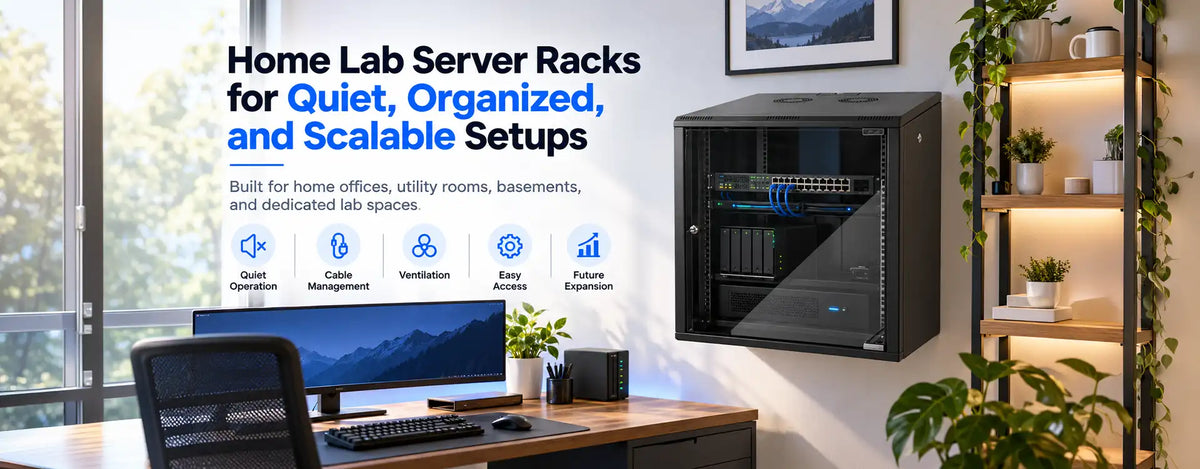
For a home office, utility room, basement, or dedicated lab space, a quiet server cabinet can make the difference between a technically successful setup and one that is unpleasant to live with. STURDX racks for home labs are intended for users who want professional organization without treating a residential environment like a full-scale data center.
What Should You Consider Before Buying a Home Lab Rack?
Start with the equipment you own and the hardware you realistically expect to add. A home server cabinet should have enough usable rack units, depth, weight capacity, ventilation, cable access, and service clearance for the complete system. The same principle applies whether you call the setup a homelab rack or a small residential IT cabinet: the enclosure must fit the workload, not just the room.
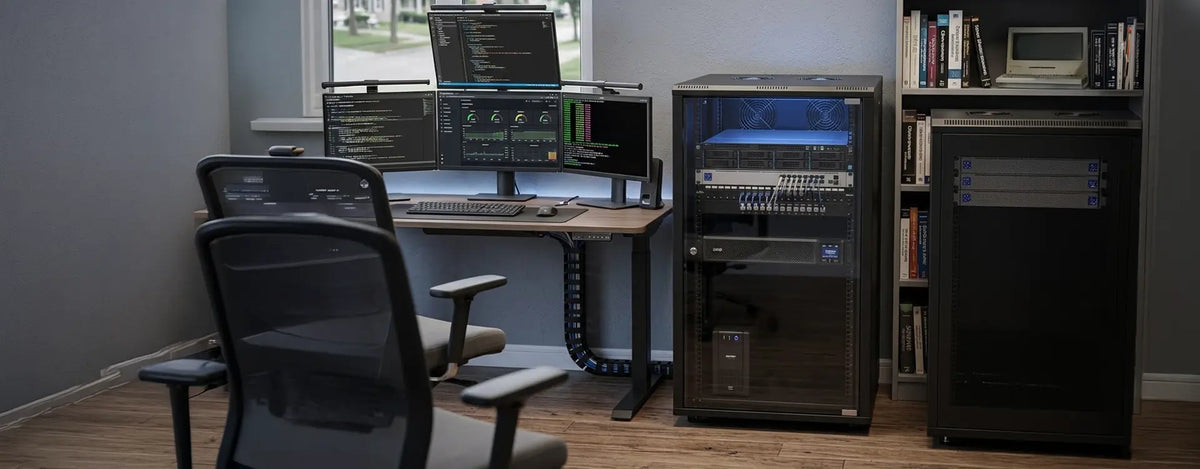
The best server rack for home lab use should also reflect how often you work on the equipment. Frequent hardware changes make front and rear access important. If the rack sits near a desk, bedroom, or living area, acoustic behavior becomes a design factor rather than a minor convenience.
Home Lab Rack Comparison: Which Configuration Fits Your Setup?
Use this comparison before choosing a cabinet.
| Rack Configuration | Best For | Noise Control | Airflow | Expansion / Trade-Off |
|---|---|---|---|---|
| Wall-mount enclosed | Networking gear, patch panels, compact appliances | Moderate | Good with correct ventilation | Limited to moderate; depth and weight constraints |
| Floor-standing enclosed | Servers, storage, UPS units, mixed labs | Best potential for containment | Good with planned intake and exhaust | High; requires more floor space |
| Open-frame rack | Frequent hardware changes and test environments | Low | Excellent unrestricted airflow | Moderate to high; no sound containment |
How Much Rack Capacity Do You Really Need?
The question what size rack should I buy for a home lab should be answered with a device inventory. Add every rack-mount item, shelves for non-rack devices, patching, power distribution, cable-management space, and spare units for growth. This makes best rack size for a home lab a capacity-planning decision rather than a guess.
A small server rack for home can suit a router, switch, patch panel, compact server, and a few appliances. Larger storage arrays, multiple servers, or heavy UPS hardware may require more depth and floor capacity. The best server rack for home lab projects is often the smallest rack that safely fits the current system while preserving sensible expansion room.
If you are asking how many U do I need for a home lab server rack, total the U height of all planned devices, then reserve space for shelves, airflow, cable routing, and growth. Avoid a layout so tight that the first upgrade forces a rebuild.
Wall-Mount or Floor-Standing?
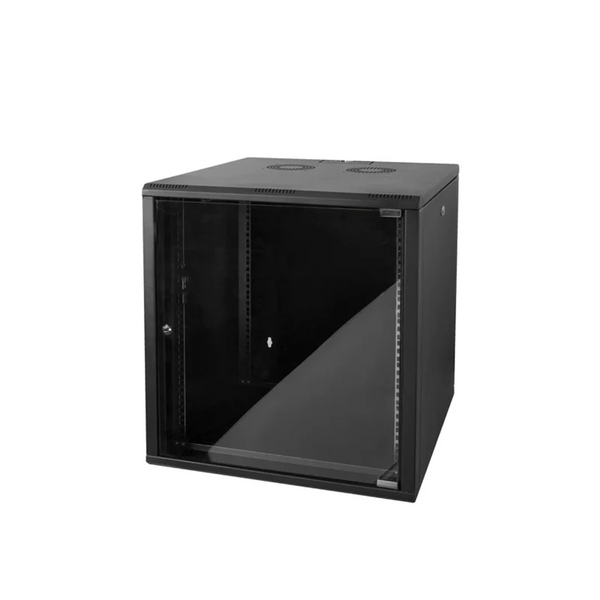
A wall mount server rack for home lab works well when floor space is limited and equipment is relatively light and shallow. It is often suited to networking hardware, patching, gateways, and compact appliances. A floor standing server rack for home lab provides more room for deeper servers, storage, larger UPS units, and expansion.
So, is a wall mount or floor standing rack better for a home lab? Wall-mount models usually win on space efficiency; floor-standing racks generally offer more capacity and easier scaling. Decide from equipment depth, total weight, access requirements, and whether the lab is mainly networking-focused or server-focused.
STURDXHome Lab Racks & Quiet Cooling
All server rack cabinets →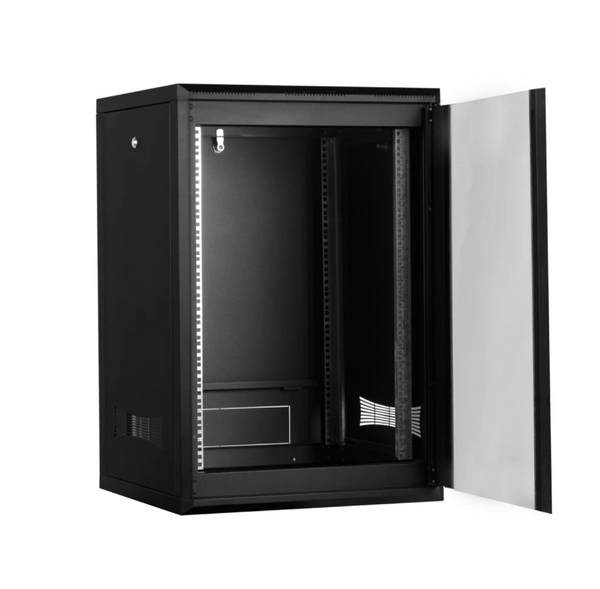
Compact Cabinet
12U Quality Network Enclosure with 4mm Tempered Front Glass (600mm)
$490.00$900.00
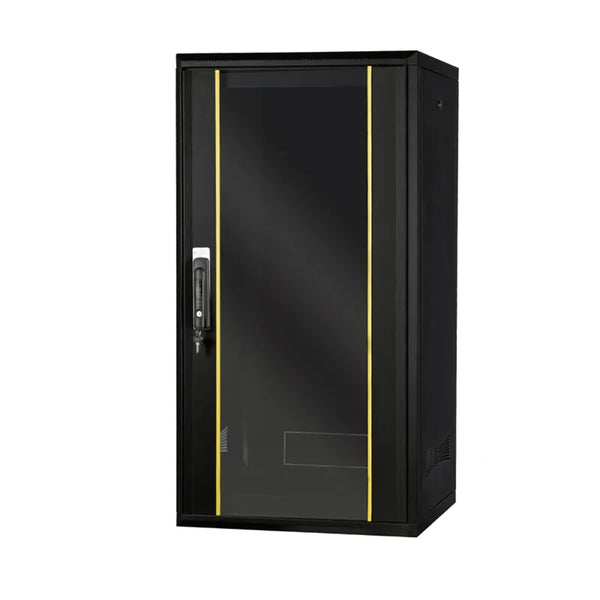
Floor-Standing Enclosed
24U 600x600 - Floor Standing Server Rack Cabinet - Lock Front Glass
$790.00$1,400.00

Open-Frame Rack
300x800mm Depth, 42U Open Frame 4 Post Server Rack | Floor Mountable
$690.00
View Product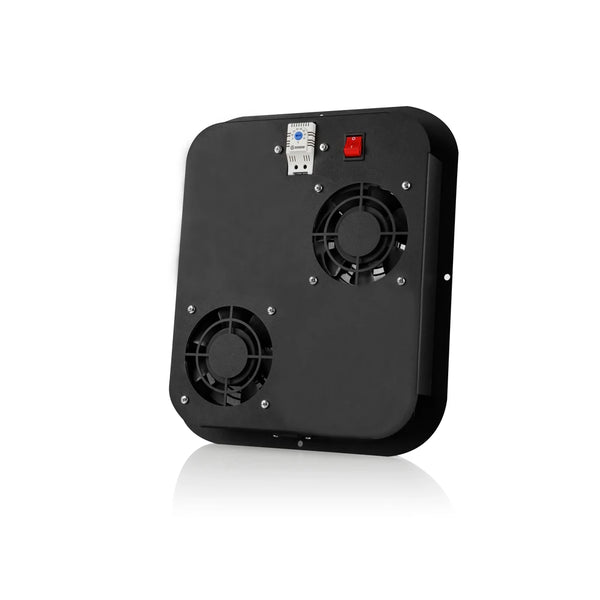
Quiet Fan Module
2-Fan Module for Free-Standing Server Racks with Quiet Airflow Control
$89.00$133.65
Open Frame vs. Enclosed Rack
The question should I use an open or enclosed rack for a home lab comes down to access, airflow, protection, appearance, and noise. Open racks provide excellent access and unrestricted airflow, but little sound containment or protection from accidental contact. An enclosed home server rack creates a more controlled installation.
An enclosed server rack for home lab is especially useful in a shared room or where a cleaner appearance matters. Panels do not automatically make a rack silent, however. Cooling fans, perforation, door construction, and the installed devices all affect the final acoustic result.
How to Build a Quieter Home Lab
For many users, the search for a quiet server rack for home use begins after discovering that enterprise servers can be loud in a residential space. A quiet server cabinet can reduce direct sound transmission, but first identify the main sources: server and PSU fans, storage drives, rack fans, vibration, and airflow turbulence.
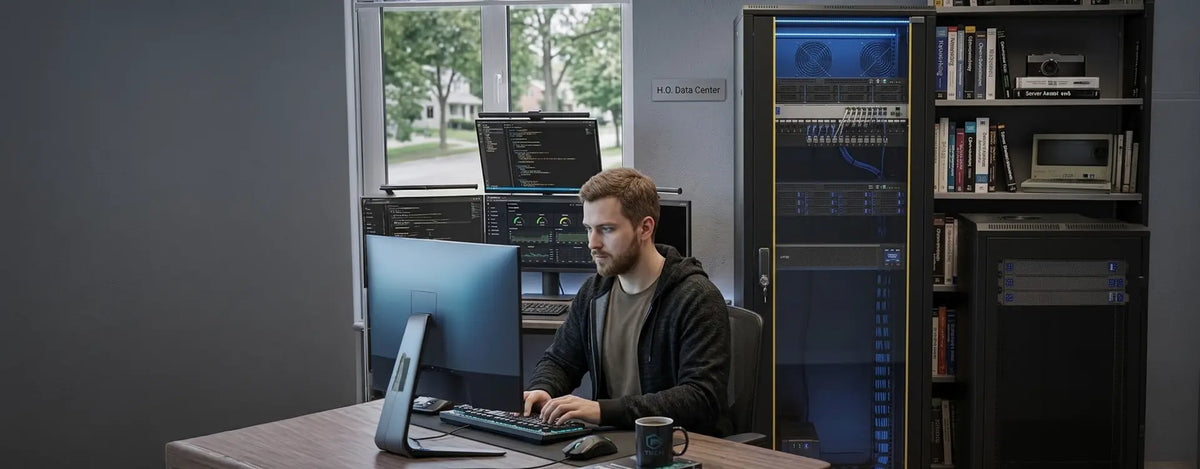
If you are asking how can I make a home server rack quieter, choose efficient hardware where possible, avoid unnecessary high-speed fans, isolate vibration, and maintain clear airflow paths. A server cabinet with quiet cooling fans can help when active ventilation is required, but fan selection must match the heat load.
For a low noise server cabinet for home, do not block ventilation simply to suppress sound. Restricted airflow can raise internal temperature and make server fans run faster. The answer to how do I reduce server rack noise at home is a combination of equipment choice, airflow, vibration control, cabinet placement, and fan management. A quiet server cabinet works best as part of that complete plan.
Cooling and Airflow Matter as Much as Noise
Even a compact lab can generate substantial heat. A home network rack containing switches, routers, servers, and storage needs a clear intake and exhaust path. The same applies to a home network cabinet placed in a closet or office: room ventilation affects the rack as much as the cabinet's own fans.
The U.S. Department of Energy's data center design guidance emphasizes front-to-back airflow and separating intake from exhaust air. Home labs are smaller, but the same principle helps prevent hot exhaust from recirculating into equipment intakes. See the U.S. Department of Energy's Best Practices Guide for Energy-Efficient Data Center Design when planning equipment orientation and airflow.
A compact server rack for home network use should be positioned where warm exhaust air can leave the rack and room. Consider power draw, heat output, operating limits, and workload rather than device count alone.
Cable Management, Power, and Serviceability
A server rack for home networking equipment should simplify patching and troubleshooting. Separate power and data cabling where practical, use cable managers, preserve bend radius for fiber and copper, label important connections, and avoid cable bundles that obstruct airflow.
A small rack cabinet for home lab benefits especially from disciplined cable management because compact cabinets have little spare volume. Power strips, UPS connections, patch cables, and adapters can quickly consume the space that appeared empty during planning.
Home Office and Mixed-Use Installations
A server rack for home office has different priorities from a rack hidden in a basement. Noise, appearance, footprint, and heat released into the room matter more. If your question is what server cabinet is best for a home office, favor a configuration that fits the available space, supports device depth, manages cables cleanly, and keeps ventilation noise appropriate for daily work.
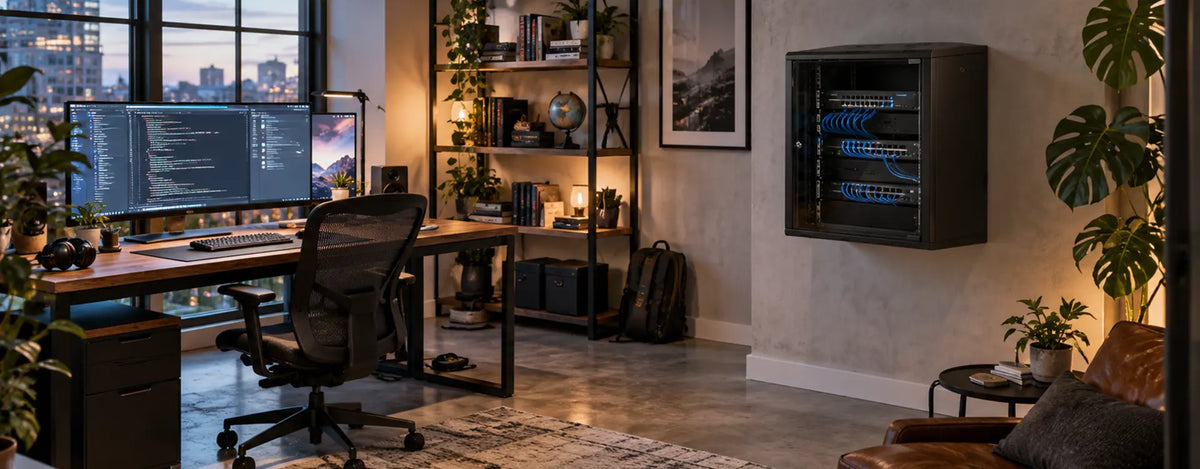
For smaller setups, the best server rack for home lab use may be a compact enclosed cabinet. Larger virtualization, storage, or multi-server environments often benefit from a deeper floor-standing format.
What Is the Best Server Rack for a Home Lab?
The answer to what is the best server rack for a home lab is the rack that safely accommodates equipment dimensions and weight, provides near-term growth, supports effective airflow, and fits the room's physical and acoustic limits. A best server cabinet for home lab decision should be based on measurable requirements rather than rack height alone.
Before ordering, measure device depth, confirm rail or shelf compatibility, calculate U space, check total weight, map cable entry, and plan heat exhaust.
Plan for Expansion Without Oversizing
The best server rack for home lab projects should leave room to evolve, but excessive unused volume wastes space. Plan for the next likely server, storage unit, switch, or UPS rather than an imagined enterprise-scale future. Expansion capacity should also include thermal and cable-management headroom.
A quiet server cabinet should remain serviceable as the lab grows. More hardware increases heat, cable density, and fan noise, so empty rack units are only one part of future capacity.
Choose the Rack Around Your Real Home Lab
A successful home lab should be organized, accessible, thermally stable, and quiet enough for its location. The best server rack for home lab use balances capacity, depth, weight, airflow, cable routing, access, footprint, and expansion. A quiet server cabinet should be evaluated together with the installed servers and cooling strategy.
STURDX Home Lab Server Racks can help users move from improvised shelves and scattered hardware toward a cleaner rack-based setup. Compare the cabinet format with your actual equipment list before making a final selection.
Compare quiet server cabinet options and rack configurations for residential labs, networking equipment, and compact server setups.